How to Choose the Right Invoice Software for Your Small Business in 2026
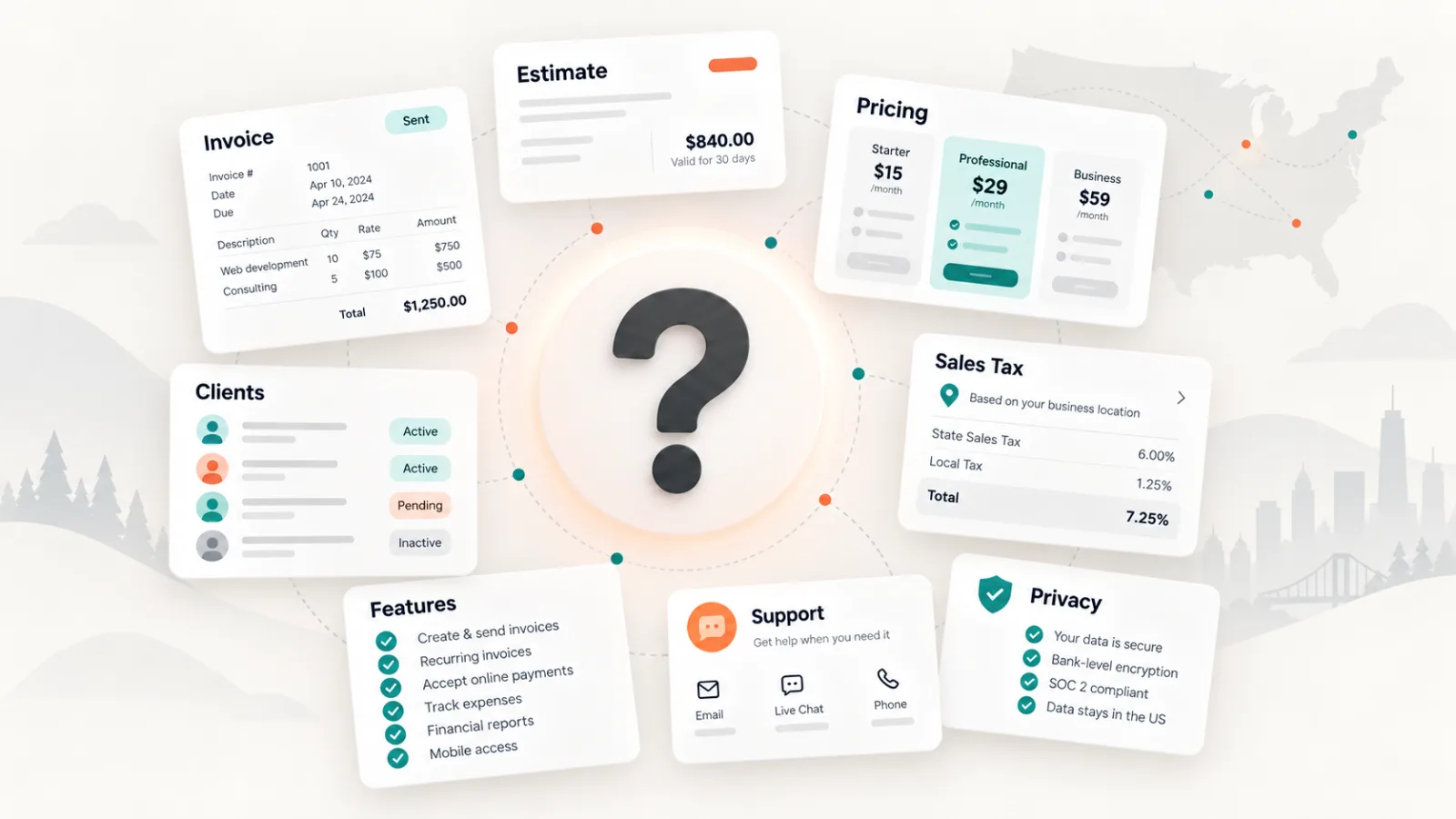
For a 1–10 person business, invoicing software should make billing simpler—not turn you into a part-time software administrator. The best fit is usually the tool that handles your everyday billing workflow cleanly, keeps your records portable, and gives you enough confidence to trust it with customer data.
The US market ranges from full accounting systems to focused invoice apps and tiny SaaS products. More features do not automatically mean more value. A consultant who sends twenty invoices a month and a ten-person service company may both need professional billing, but neither necessarily needs payroll, inventory, bookkeeping, CRM, project management and accounting bundled into the same screen.
The short version
Start with the basics: fast invoicing, reliable delivery, client and item records, estimates if you use them, payment-status tracking, exports, and clear privacy/legal terms. Pay for the features that remove real work. Do not pay for complexity merely because it appears in a comparison chart.
1. Define the job you are hiring the software to do
Before comparing plans, write down what happens between “the work is done” and “the money is in the bank.” That is your invoicing workflow.
Create
Can you build a professional invoice quickly using saved clients and services?
Deliver
Can you email it, download a PDF, or share a link without extra tools?
Follow up
Can you see unpaid and overdue invoices immediately?
Quote
If you send estimates before work starts, can they live in the same system?
Record
Can you keep a clean history of clients and invoices?
Export
Can you get your own data out for your accountant or another system?
A product that performs those jobs well can be more valuable than a “complete business platform” where invoicing is buried under features your team never touches.
2. Tax support should be flexible, not mysterious
US sales tax can vary by state and locality, and whether you need to collect it depends on factors such as where you do business, what you sell and your tax obligations in a jurisdiction. Your invoice app does not replace that determination.
What the software should do is make your decision easy to apply: support the tax rates you need, let you adjust them, show tax clearly on the invoice, and preserve the records you will need later.
Avoid “magic tax” marketing
If an app claims it always knows the correct tax automatically, understand exactly what data and rules it uses. Good invoicing software should reduce mistakes without hiding the logic from the business owner.
3. Free vs. paid: start free when you are testing; pay when the workflow matters
Free plans are useful. They let a new business test an interface, create real invoices, and learn which features actually matter before committing to another monthly subscription.
But once invoicing becomes a regular part of the business, optimizing around “free forever” can be false economy.
| Free is often enough when… | Paid is usually worth considering when… |
|---|---|
| You are evaluating the product or sending only occasional invoices. | Billing happens every week and mistakes or delays affect cash flow. |
| One person handles billing. | Multiple people need access, roles, or separate business profiles. |
| You can comfortably follow up manually. | Automation, reminders, or integrations can save meaningful time. |
| Basic templates and exports work for you. | Your brand, reporting, export, support, or integration needs have grown. |
| Plan limits never interrupt your workflow. | You are using spreadsheets or a second app to work around plan limits. |
A paid plan does not need to produce dramatic ROI to make sense. If it saves twenty or thirty minutes of administrative work, helps prevent a missed invoice, or replaces a manual process you hate doing every month, the subscription can be rational.
4. Read the Privacy Policy as if it were part of the product—because it is
An invoicing platform can hold customer names, addresses, email addresses, service details, rates, invoice histories, payment information and internal notes. That makes the vendor part of your data-handling environment.
The Federal Trade Commission’s small-business security guidance specifically recommends thinking about how vendors can use, share, retain and delete business data. Before you upload your customer list, check:
- What information is collected?
- How is it used and shared?
- Which third-party services may process it?
- How long is it retained?
- What happens when you delete your account?
- Can you export your invoices and customer records?
- How do you contact the company about privacy or security?
The privacy policy does not need to be fifty pages long. For a small-business product, clarity is often a better signal than legal volume.
5. Find out who actually operates the software
One of the fastest due-diligence checks is also one of the least discussed: open the Terms of Service and identify the legal company operating the platform.
You are not just choosing a UI. You may be entering a subscription agreement and giving the provider access to business and customer information. You should be able to determine who the contract is with, how to contact that company, which law governs the agreement, and what happens if the service is discontinued.
This matters most with small SaaS products
A small independent developer can build excellent software. The issue is not company size. It is transparency. If the Terms and Privacy Policy identify only a product name and you cannot easily determine the legal operator, consider that a question to resolve before making the tool part of your billing process.
InvoiceCast, for example, identifies its operating company, 9344-2481 Québec Inc., in its legal documentation. Whether you choose InvoiceCast or another provider, the principle is the same: you should know who is standing behind the software.
6. Look for operational features, not demo-day features
AI and dashboards are easy to market. Small-business billing depends on less glamorous details:
- custom invoice numbering;
- saved customers and products/services;
- clear due dates and payment terms;
- professional PDFs;
- estimates or quotes when your business uses them;
- payment-status tracking;
- clean corrections and credits;
- reliable exports;
- support that can help when billing is blocked.
Those details rarely make a flashy product demo. They are exactly what matter when a customer says, “Please fix the PO number and resend this before 5 p.m. so accounting can release payment.”
7. Know when you actually need accounting software
Full accounting platforms make sense when invoicing needs to sit directly inside bookkeeping, bank reconciliation, payroll, inventory, accountant collaboration or detailed financial reporting.
But many businesses buy accounting software because they assume “invoice software” and “accounting software” are synonyms. They are not.
A solo consultant, small contractor, local service business, photographer, designer or small agency may benefit more from an invoice-first tool that is easy to learn and easy to keep using.
Ask one question before buying a bigger platform: Do I need this software to do my accounting, or do I need it to make billing work?
8. Run this 10-minute test
- Create your actual business profile.
- Add a real customer.
- Create a realistic invoice.
- Add the tax treatment you normally use.
- Download the PDF and review it from the customer’s perspective.
- Find the unpaid/overdue invoice view.
- Find your data export options.
- Open the Terms of Service.
- Open the Privacy Policy and identify the company operating the service.
- Compare exactly what the paid plan adds to the free plan.
If those ten steps feel obvious, the product probably respects a small-business workflow. If basic actions require a training course, you may be buying more software than you need.
What is the best approach for a 1–10 person business?
Choose the smallest tool that comfortably handles the process you rely on today and has a sensible path for tomorrow. For most small businesses, that means professional invoicing, customer records, estimates where needed, payment tracking, flexible tax handling, dependable exports, and a vendor you can identify and contact.
Use a free plan to validate the fit. Move to paid when the subscription removes friction, saves time, or supports a workflow your business now depends on. And treat privacy, data portability and vendor identity as product features—not legal fine print.
InvoiceCast keeps the focus on invoicing
InvoiceCast is designed for small businesses that want a straightforward billing workflow without adopting a full accounting suite just to send professional invoices. Its operating entity and legal documentation are publicly identified.
Explore InvoiceCast today and see if it suits you.